🎮 Game Controls & Keyboard Guide
Sliding Puzzle: The Ultimate Puzzle Challenge
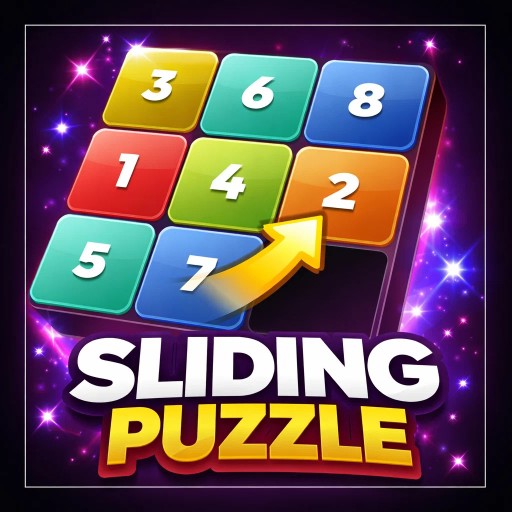
A premium, modern Sliding Puzzle game featuring progressive levels, AI auto-solve, custom themes, and satisfying sound effects. Challenge yourself with 3x3, 4x4, and 5x5 grids. Arrange numbered tiles in order by sliding them into the empty space. Perfect for brain training and logic improvement!
Unleash your full potential in Sliding Puzzle! Dive into intricate Puzzle levels designed to challenge casual players and hardcore veterans alike.
⚡ Key Features
🔒 100% Free & Safe
Play completely free of charge without forced subscriptions or account barriers.
🌟 High-Def Visuals
Crisp graphics with 60 FPS smooth rendering for an immersive visual experience.
🗨️ Frequently Asked Questions

⭐ Pro Tips & Strategy
Prioritize clearing obstacles and locked tiles early to expand available movement area. Scan the entire board before making a move to create multi-chain cascading combos.
Complete Guide & Gameplay for Sliding Puzzle
Mastering Sliding Puzzle requires a blend of fast reflexes and smart resource management. Hone your reaction time to survive intense encounters.
This classic Puzzle browser title is fully optimized for HTML5 browsers, delivering responsive physics and immersive action on desktop, mobile, and tablet platforms without downloads.
